












How can we help?
Start your free Premium trial
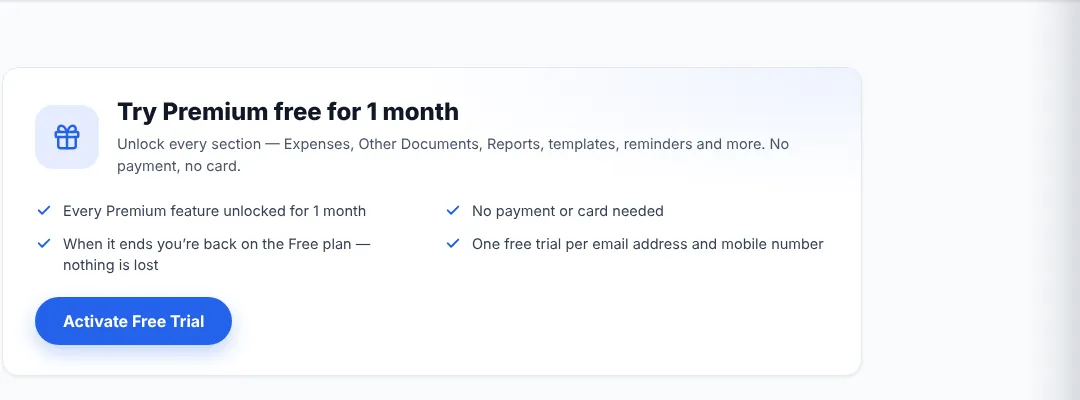
The free trial unlocks every Premium section — Expenses, Other Documents, Reports, templates, reminders and more — without any payment or card.
Where to find it: Settings → Free Trial
Start the trial
- Open Settings and click Free Trial under Account Settings.
- Read the trial details (length of the trial is shown on the page) and click Activate Free Trial.
- A message confirms that the trial is active and shows the date it ends. All Premium features are unlocked immediately.
Good to know
- The Free Trial page shows how many days are left while the trial is running.
- When the trial ends you are back on the Free plan. Nothing you created is lost.
- Each email address and mobile number can use the trial once. If you see “This email or mobile number has already used the free trial”, choose Upgrade to Premium instead.
- You can upgrade during the trial — see Upgrade to Premium.